Fab Lab TV: Your Lab, Your Channel

FabLabTV
Download FabLabTV and customize it for your own lab.
FabLabTV is the fully customizable version. Choose which information blocks appear on your screen, including Now Playing, Global Pulse, Local Pulse, Tech News, weather, opening hours, and staff.
You can also add your own videos, slides, staff members, opening hours, location, and local content to create a TV station for your lab.

FabLabTV Live
Want to see FabLabTV without installing anything?
FabLabTV Live is a simplified, ready-to-watch online version with no setup or customization required. It streams Fab Academy Highlight videos and displays Now Playing, Global Pulse, Tech News, and the current time.
Just open it in a browser and watch.
Presenters: Andri Sæmundsson, Þórarinn Bjartur Breiðfjörð
numbers of participants: 5
Date: Thursday 30th July 2026
Time: 14:30 - 15:30
Fab Lab TV is an open platform that turns any screen into a customizable hub for showcasing local projects, community highlights, events, opening hours, and global Fab Lab news. This session introduces the project and invites participants to help shape its future by sharing ideas, use cases, and feedback. Together, we'll explore how Fab Lab TV can strengthen communication, visibility, and connection across the global Fab Lab network.
Overview - Platforms to Connect and share
History

First MCU connection point
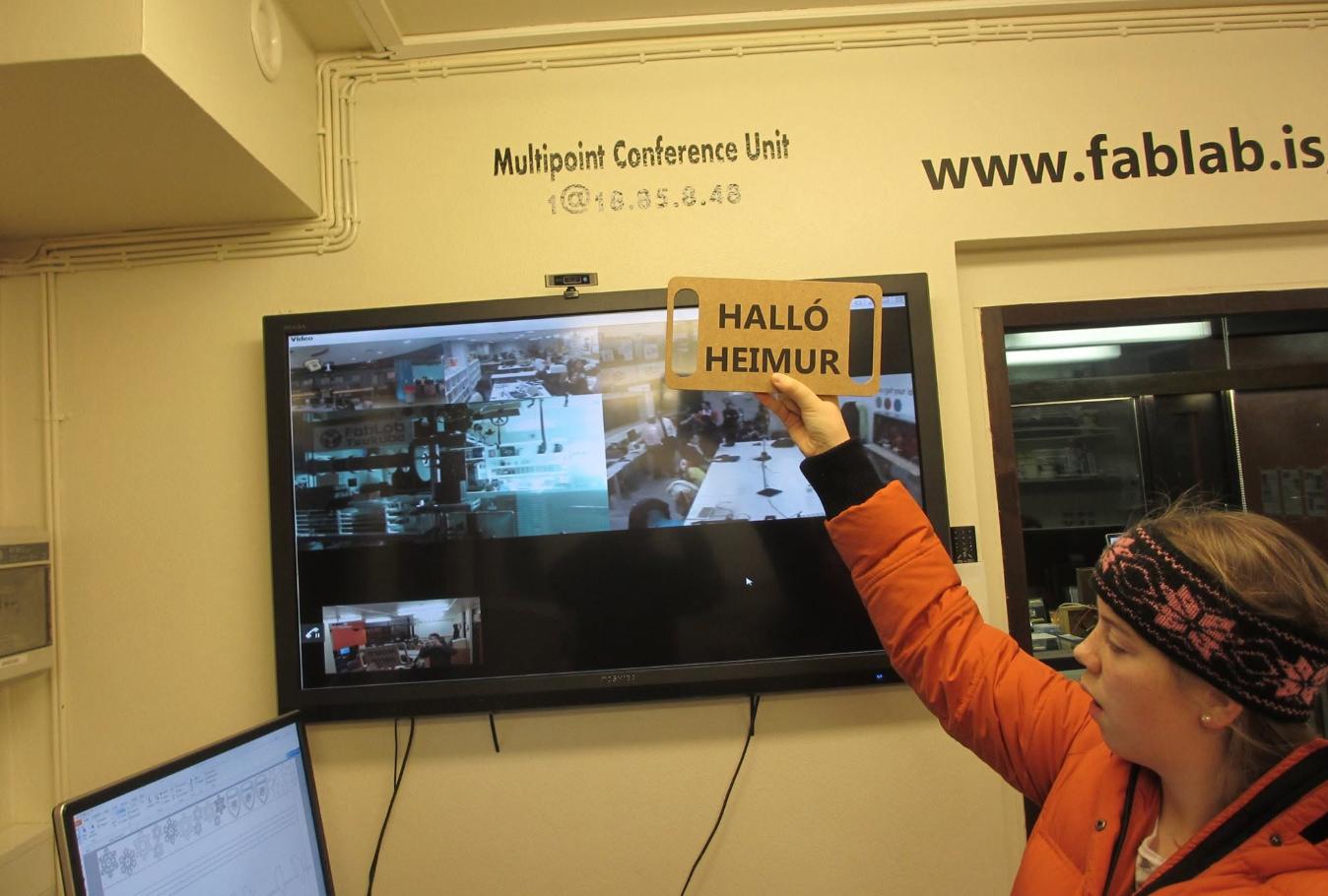
Used to see and say hello to the world
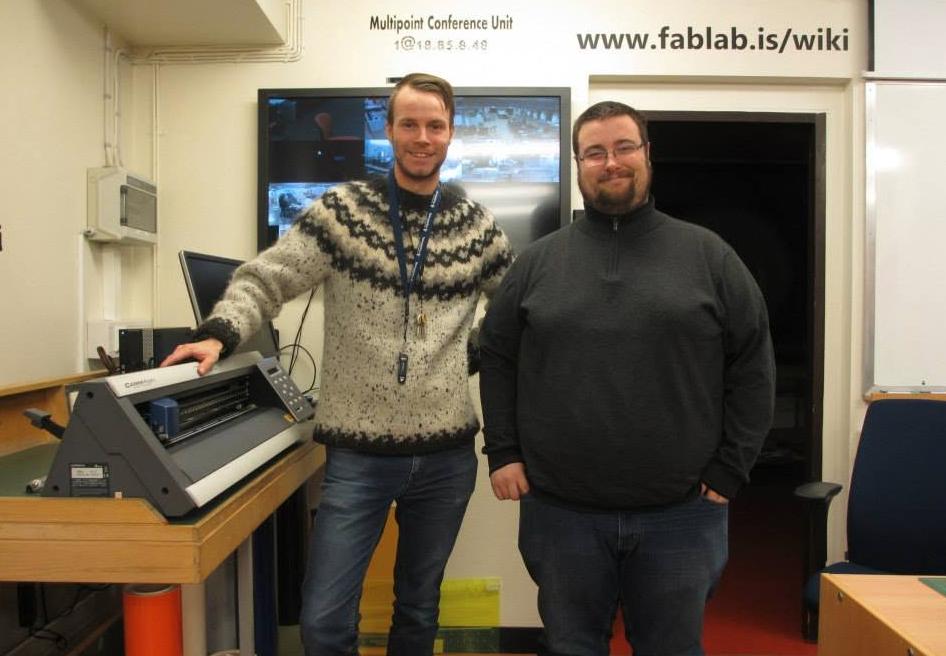
Visitors from other labs would often see their own lab online and say hello.
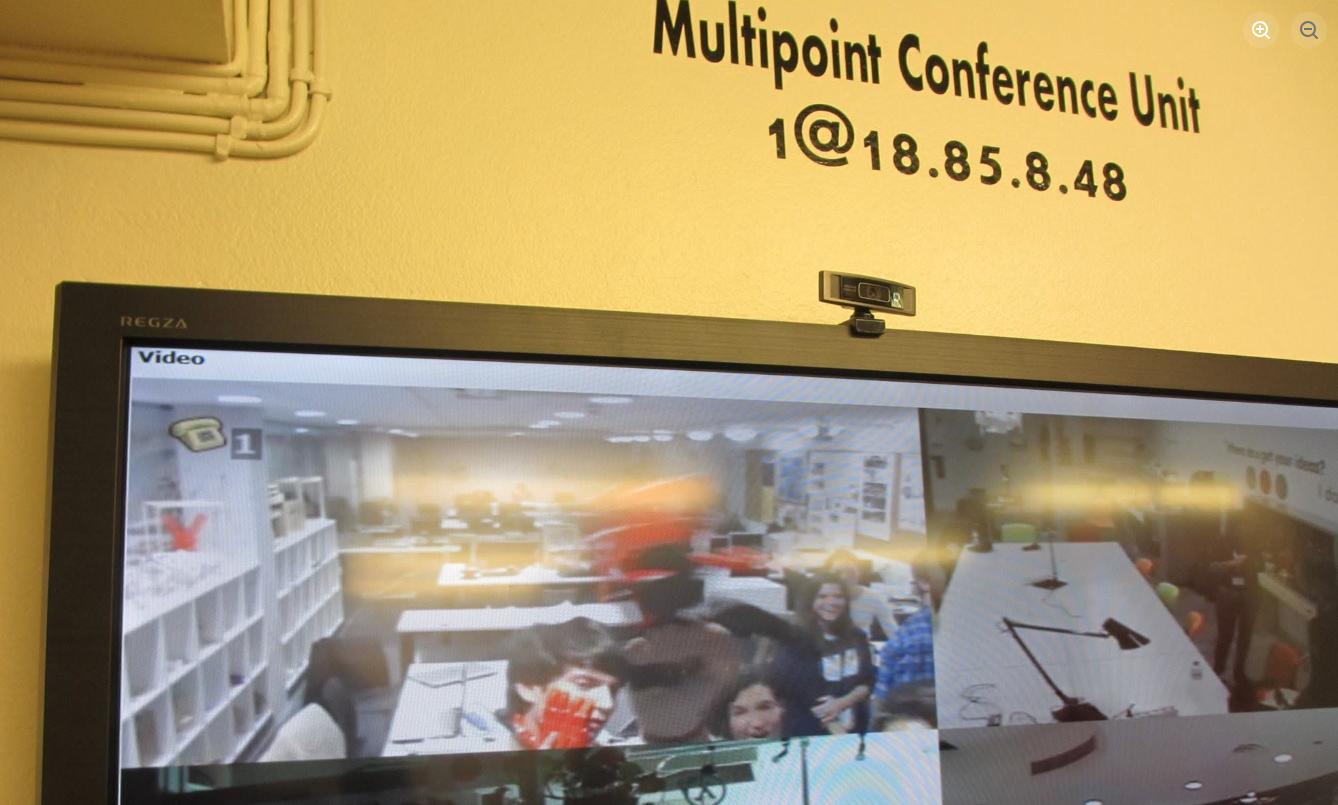
People would share their work in progress online.
What has been done
- MCU legacy: First system
- Zoom MCU: attempt to keep the old MCU going
- FMCU: Another attempt to show labs on-line
- Expert map: People focused map
- fablabs.io: Map that is most used to show all labs
- FabLabTV: Started in 2026.
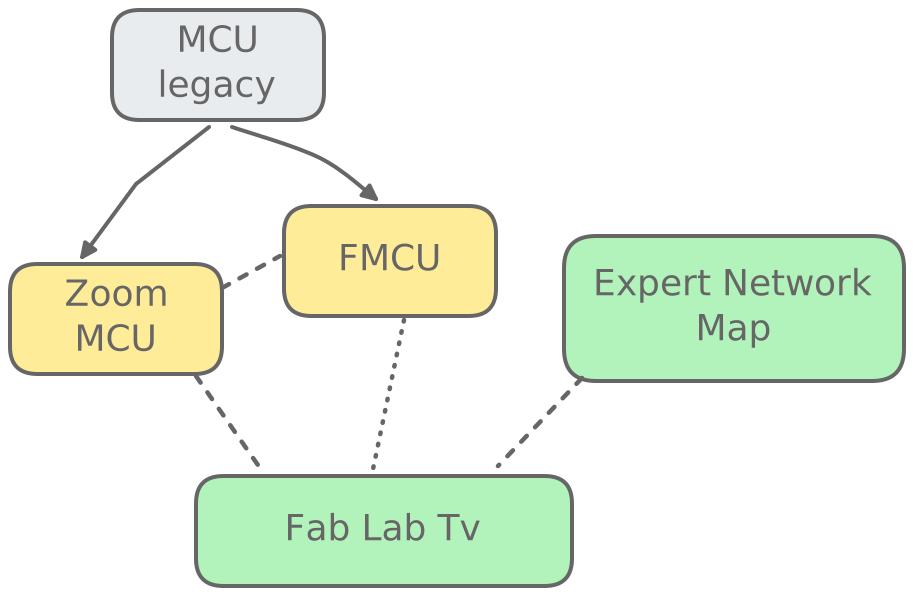
Fab Lab Tv
"There is no right and wrong. There's only fun and boring."
The PLAGUE 1995
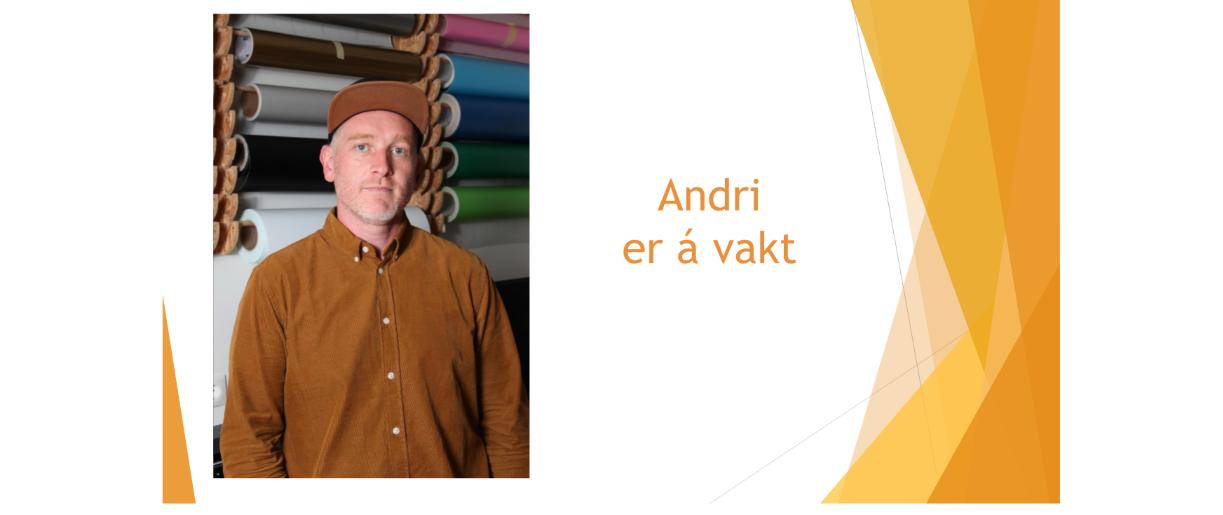
Inspiration: Í beini
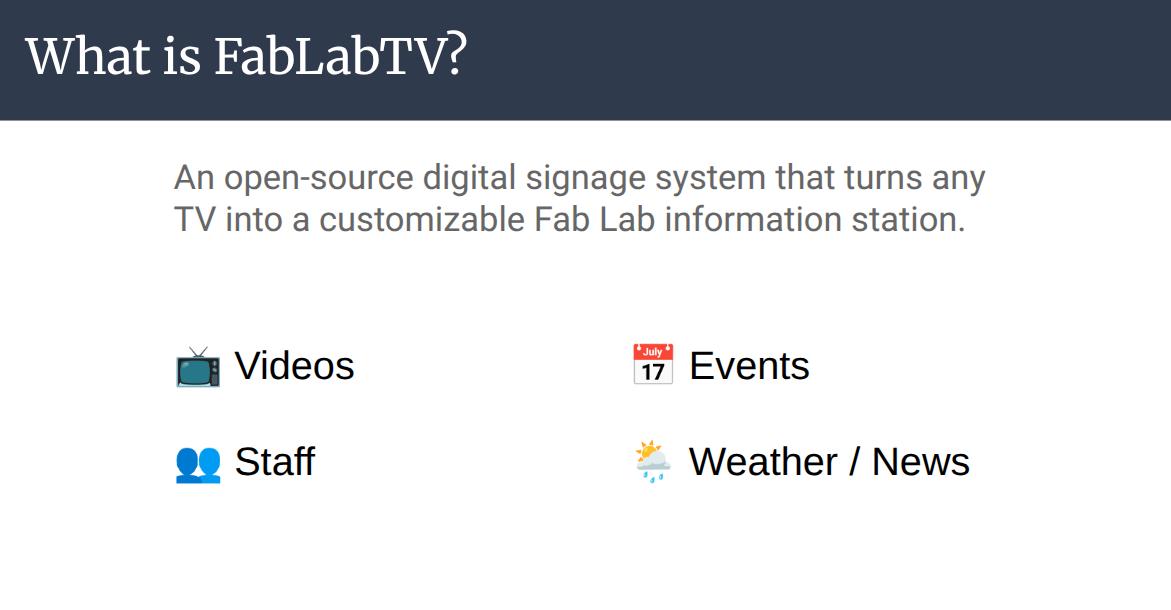
Live demo
- FablabTV repo
- Clone/download
-
git clone https://gitlab.fabcloud.org/pub/project/FabLabTV -
Run
npm install - Run
npm start - Open
/screen - Open
/remote
You might get an error depending on the NodeJS version you need NodeJS 18 or higher.
If it happens please post an issue on Fab Cloud.
Questions and discussions
FabLabTV isn't finished. It's a community project, and we'd love to hear what your lab needs so we can make it useful for everyone.
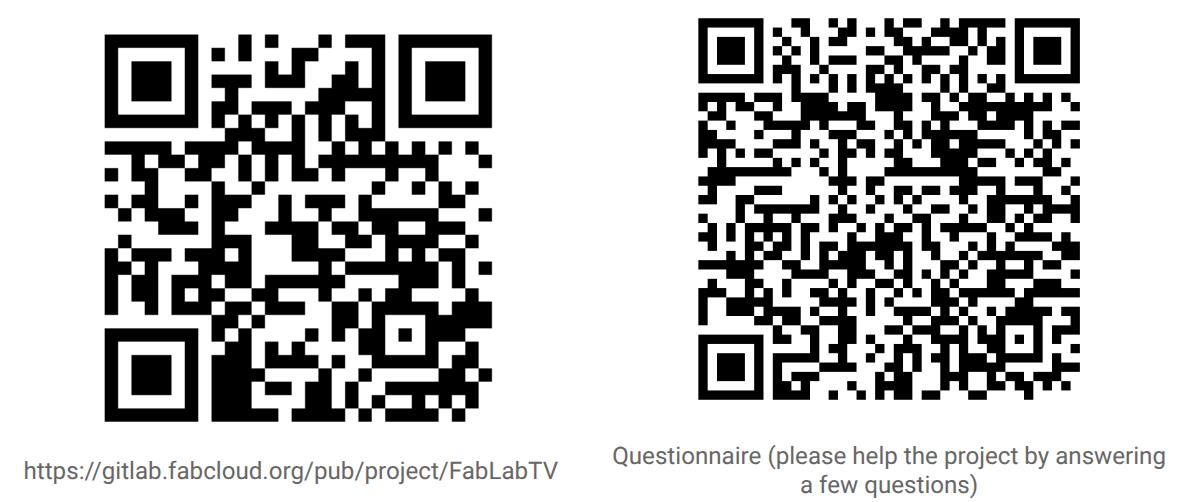
Takeaways
Ideas for the future
- Login using fablabs.io
- FMCU
- Lab status
- Live streams
- Better playlists
Resources
- Slides:FabLabTV
- Repository: https://gitlab.fabcloud.org/pub/project/FabLabTV
- Other links: FabLabTV Feedback Survey
Notes
Pablo from Fab Lab Leon made a point that not all labs need the on call option.
Fab26 documentation
Try FablabTV
FabLabTv on the Go
After the workshop, the FablabTV team went on the go to see how easy it would be to set up the system in different locations.
The first stop was Fab Lab Hub, where a lot of activity was taking place. The system was first tested on a laptop, which worked straightforwardly.
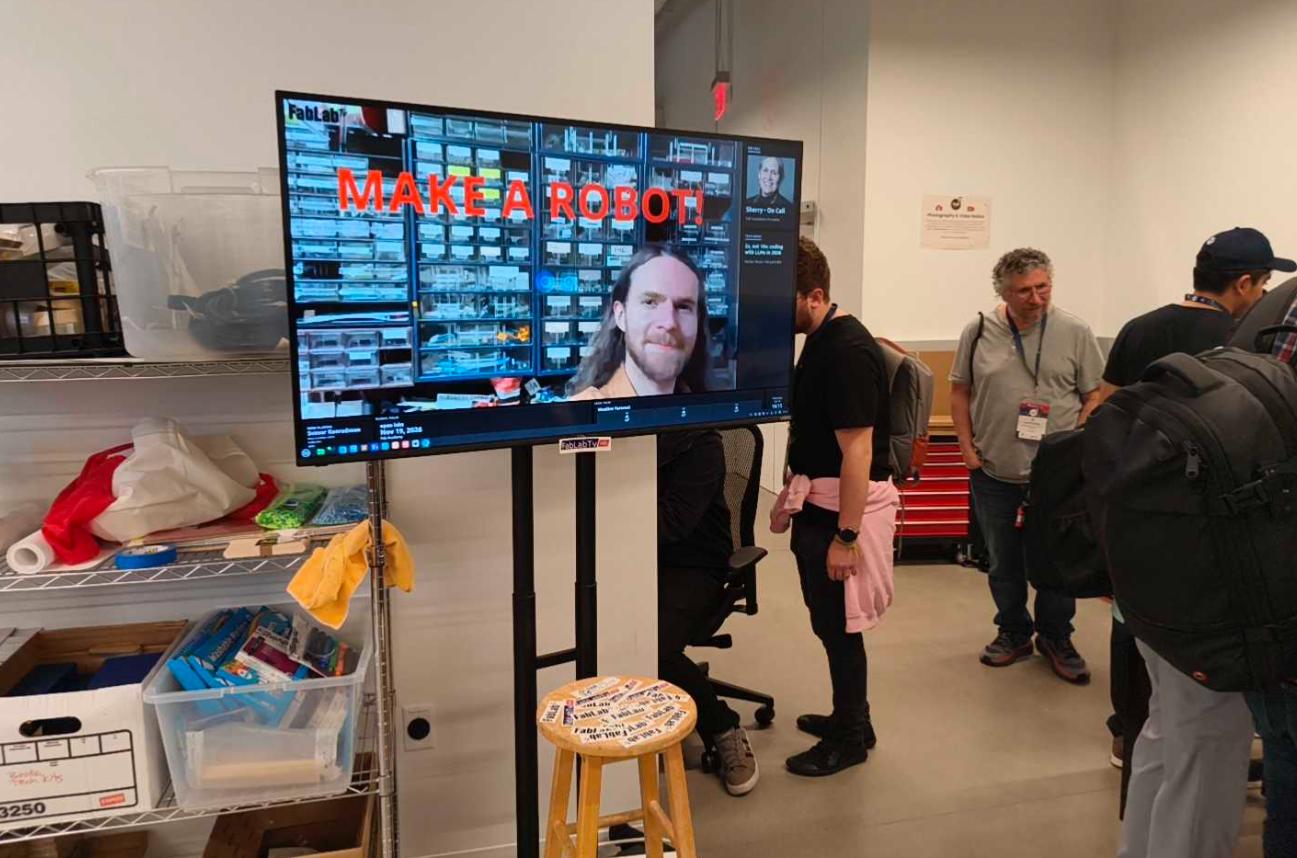
After that, the team headed to CBA Media Lab, where more workshops were happening. There, the system was tested on a Raspberry Pi 4 with 2 GB of RAM, and it ran well.
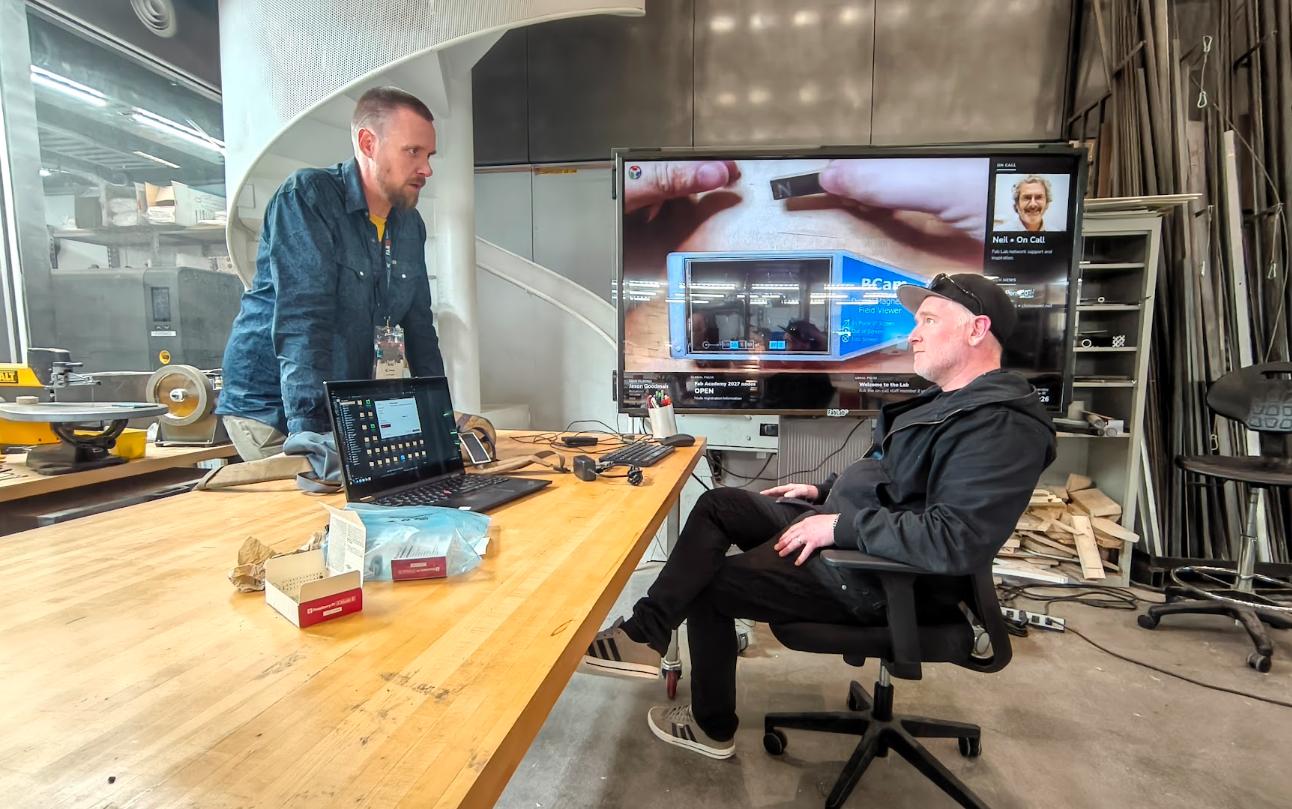
FablabTV Live
A FabLabTv Live version proof of concept is under development to make deployment of the project even more accessible. It will be a live website for globally displaying news and projects happening across the Fab Lab network.
To try out FabLabTV Live, we installed a Raspberry Pi on a TV in the academy. Since we didn't have a keyboard, we made a keyboard emulator using a Seeed RP2040. It worked well, but we ran into an issue with the Wi-Fi. Luckily, Mirian was able to help us out by lending us a mouse.
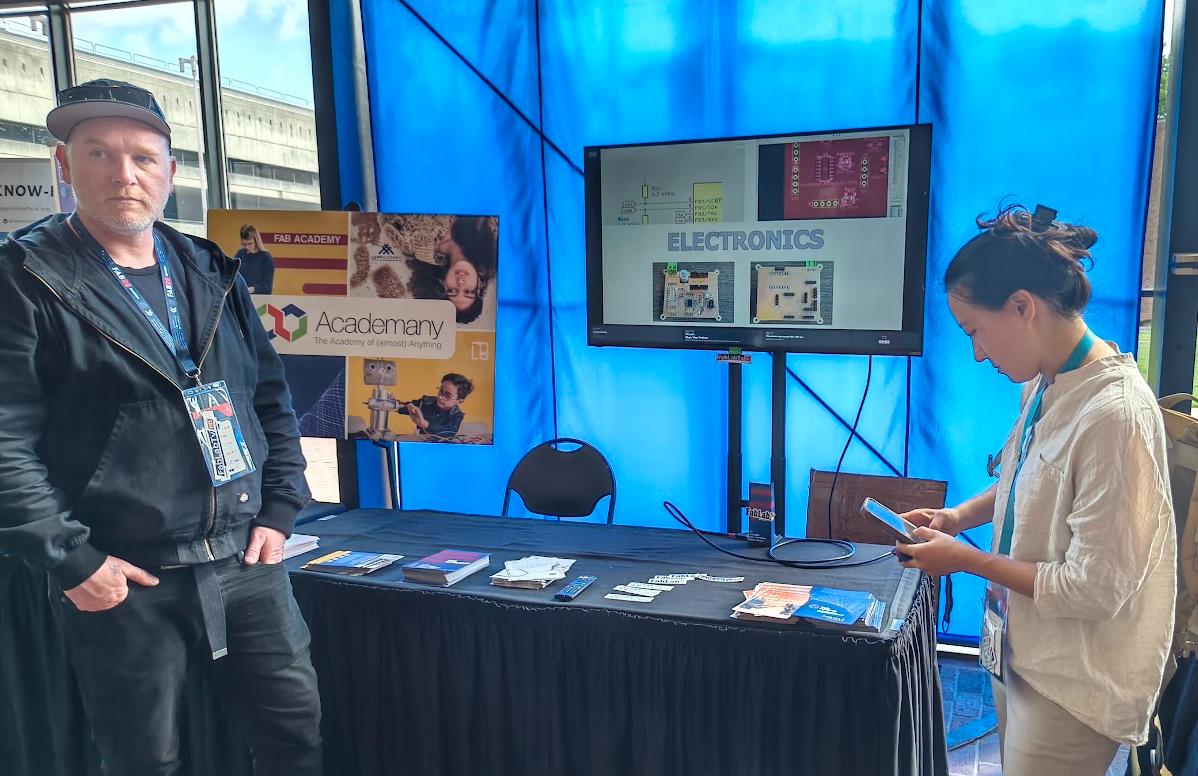
Once connected to the Internet, the website opened automatically and displayed FabLabTV Live without much trouble.