Parametric + paper + laser + craft with Cuttle.xyz
2D design for 3D forms with Cuttle parametric CAD for lasers
Update for workshop done at Regional Fab26 - Bottrop.
- Cuttle projects to build on: cuttle.xyz/@workshops
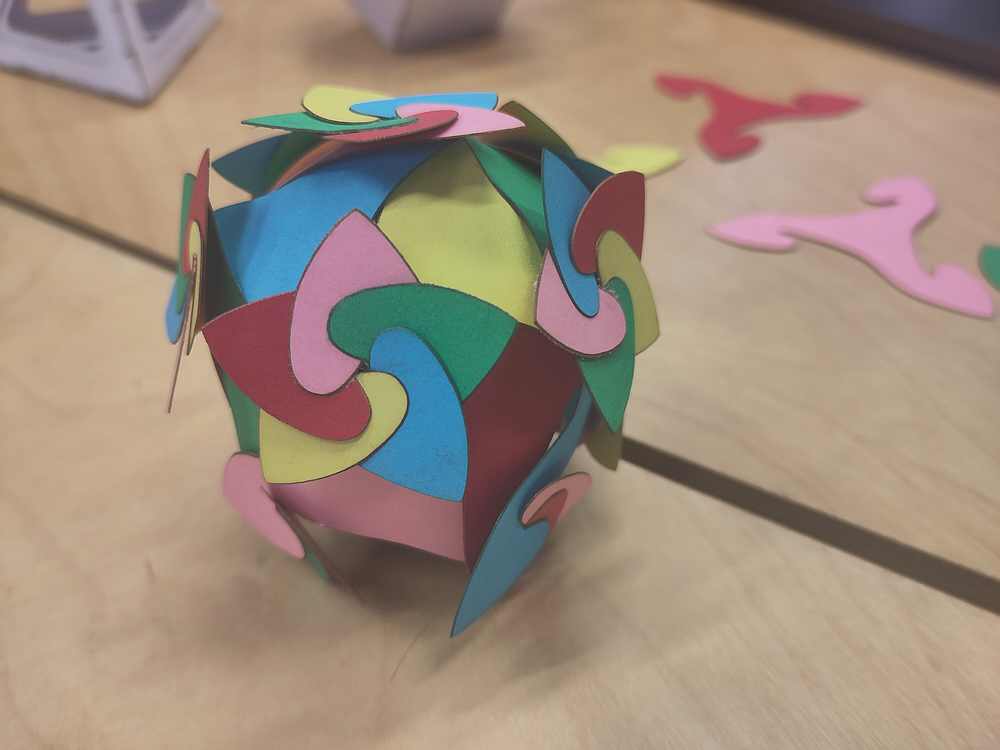
- "Color seeds" build instructions: sunseeds.xyz
Workshop first done at Nordic Fablab Bootcamp 2024.
cuttle.xyz
A web-based design tool for digital cutting machines. Generate custom SVGs in seconds with templates, or use the editor to make your own designs.
Why parametric?
Cuttle origin
- Cuttle: a new CAD tool for rapid prototyping (archived post)
- 👆 designing a design app to design a thing https://sunseeds.xyz
Designs and tools to explore
Hands-on introduction
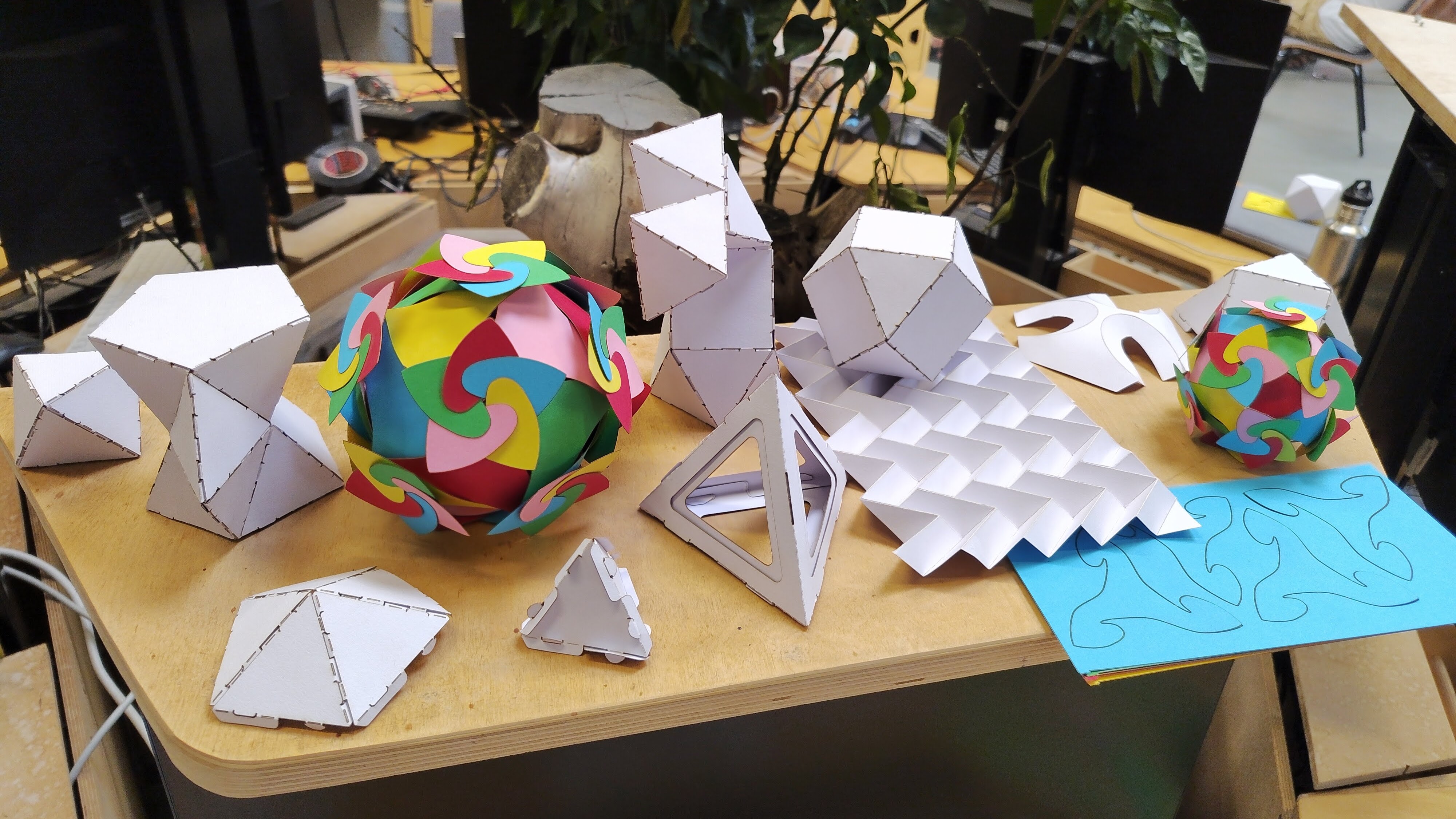
Design software and CNC tools have a big learning curve. We’ll explore some designs that can be fabricated before a workshop, to invite immediate hands-on exploration.
Can it scale up to corrugated? Big d20 or other dice? Irregular crystal shapes?
- Explore polyhedra here: https://polyhedra.tessera.li
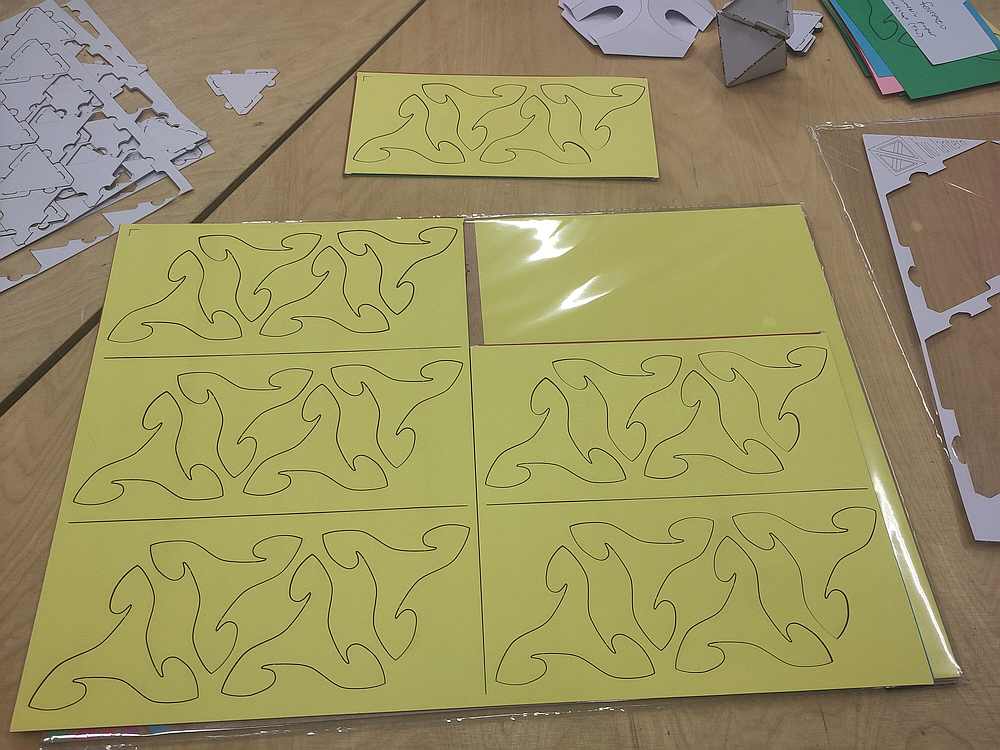
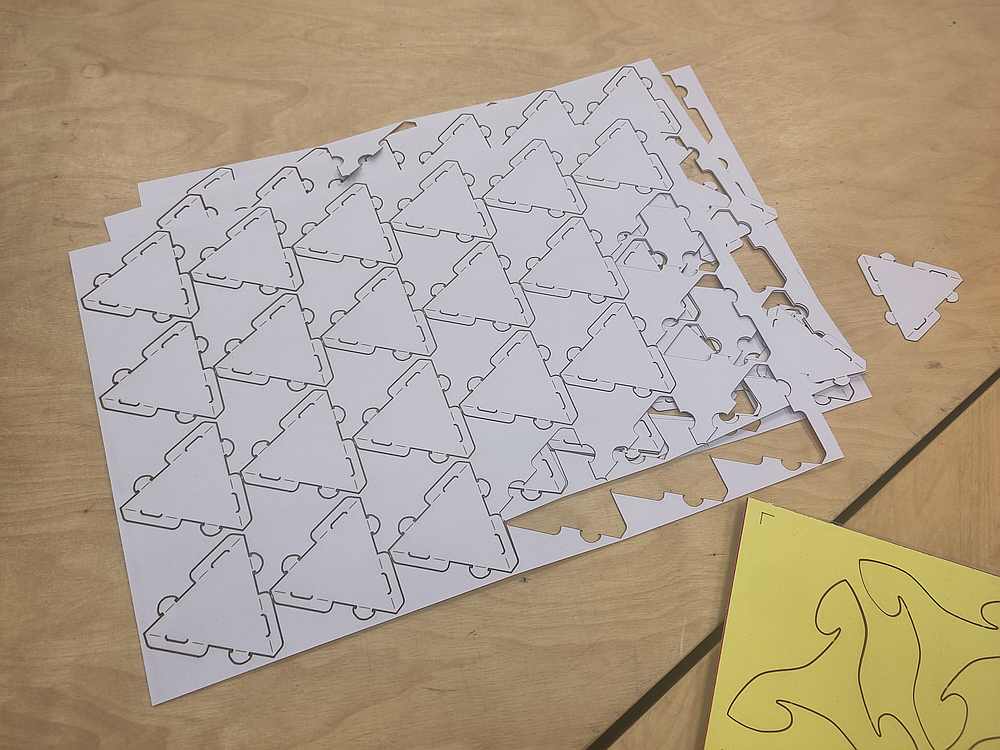
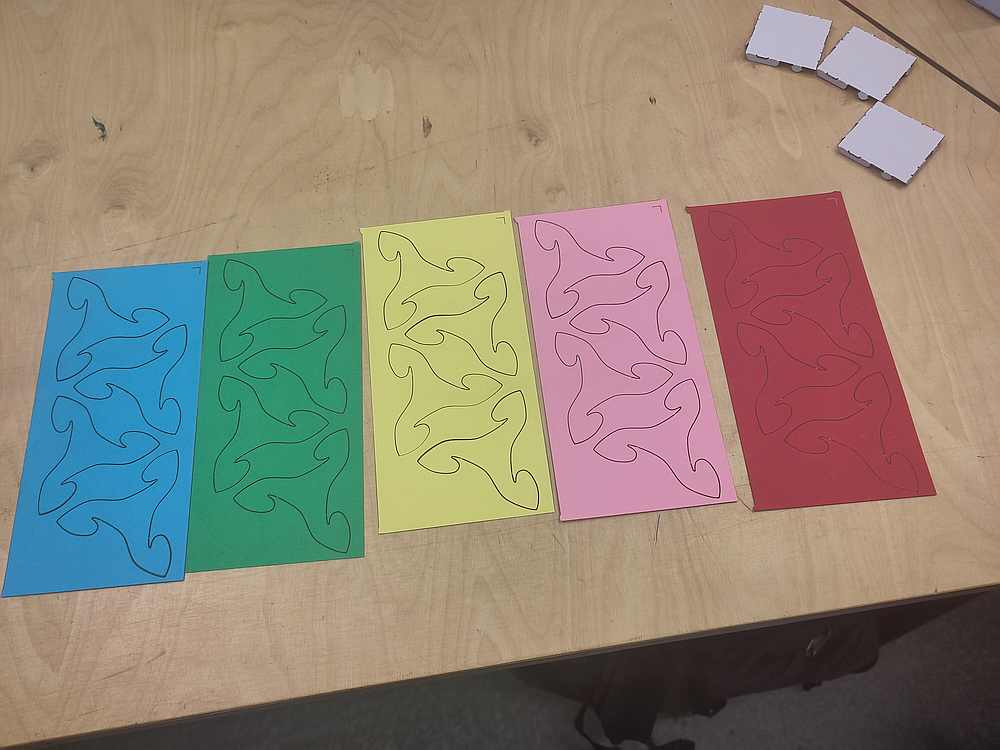
Part cut files
Source project: Cardstock 3D Polyhedron Construction Kit – Metric
Workshop
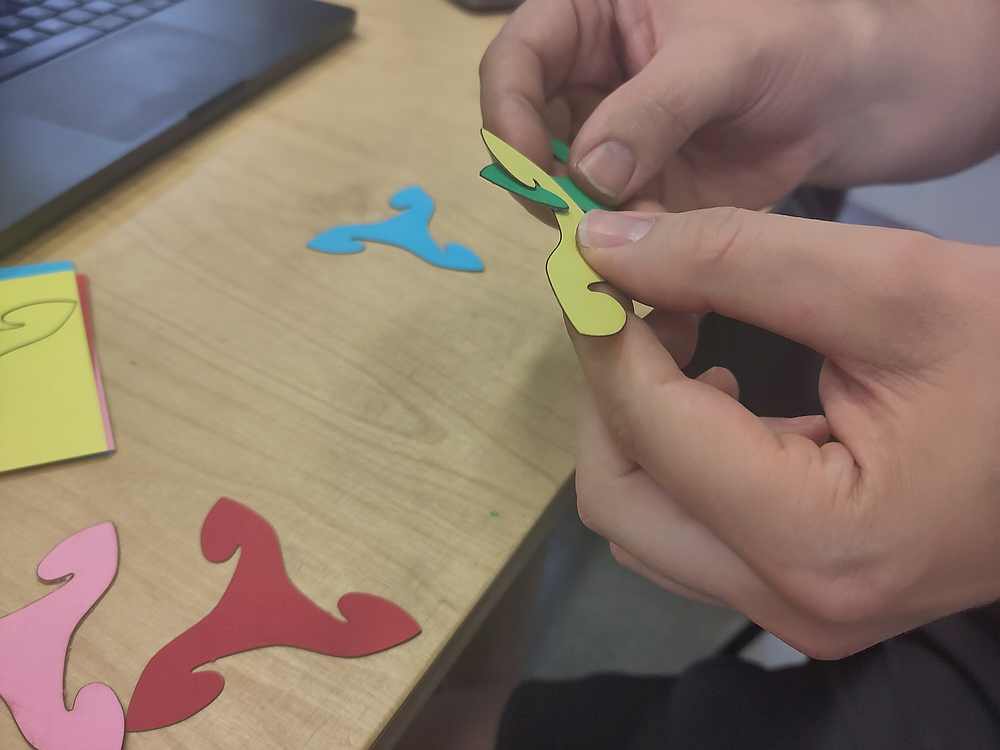
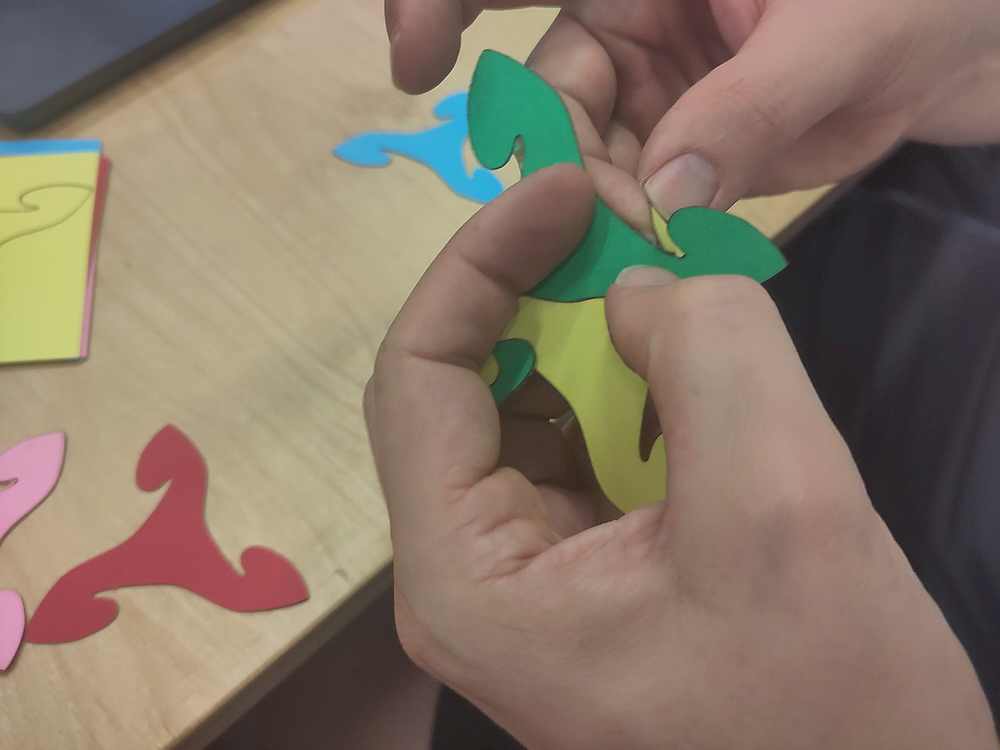
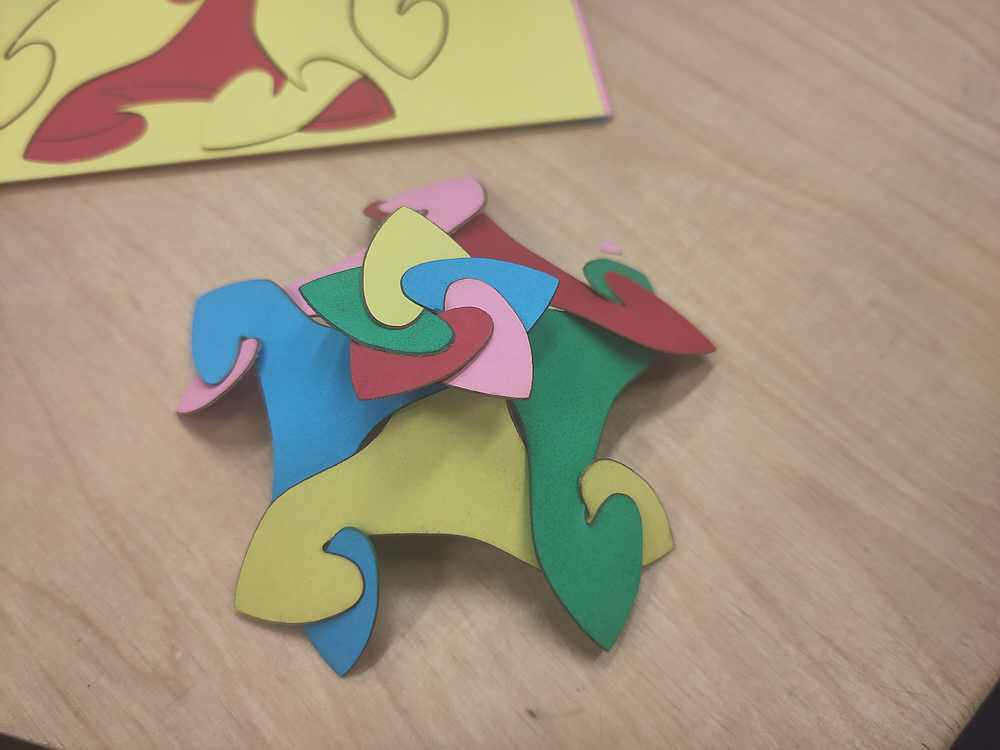
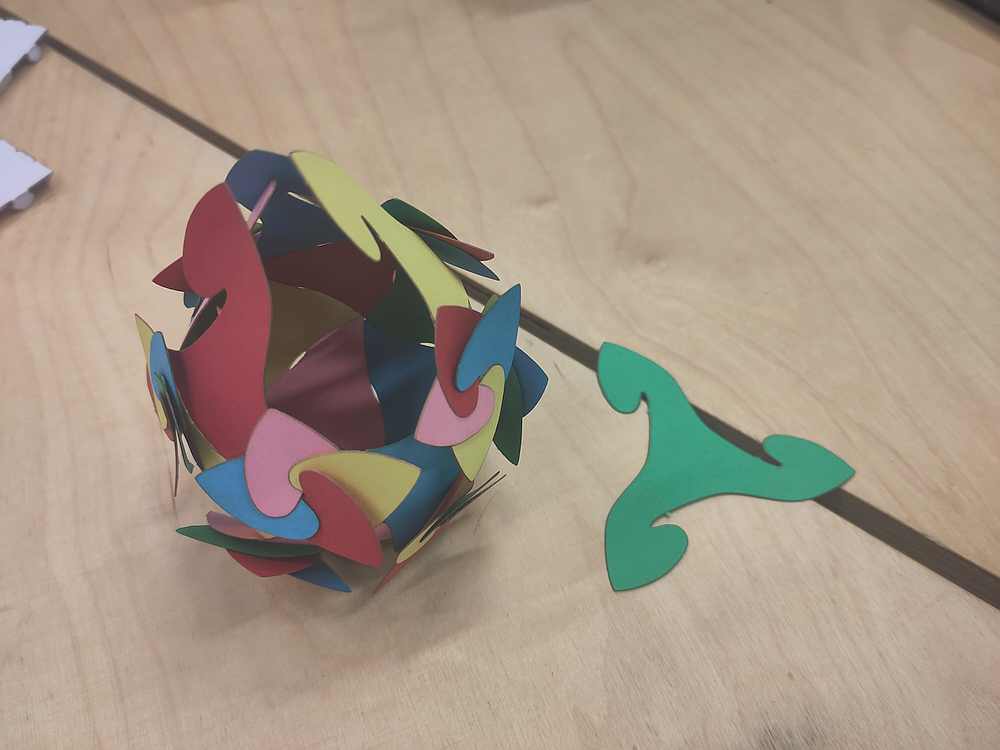
After popping out the triangles and trading them around, the participants started exploring how the parts can come together.
Cuttle Editor intro and Q&A
- Reusable components
- Non-destructive modifiers (various "repeat")
- JavaScript in parameters and modifiers
More project ideas
CNC optional
Can choose your own photos & print directly from Cuttle. Cutting and folding by hand.
Parametric Pinwheel Paper Purse
See also “Ori Revo” below.
Villarceau Circles: slot-together torus
CNC recommended
3D Papercraft Letters Generator
Any path can generate a “strip” to give it depth.
Could the top have texture of a mountain range? (Would need a deep design dive.)
Cool Tools
Unfolder app
Papercraft tool; 3D OBJ to flat layout for cut and score.
Origami Simulator
Flat SVG to simulated folding. Copy from Cuttle and paste into Origami Simulator.
- Black: paper outline and cuts
- Red: mountain fold
- Blue: valley fold
- Curved folds work if you check that option on import.
“Miura Ori” … helpful to have folding lines scored beforehand.
ORI-REVO

https://mitani.cs.tsukuba.ac.jp/ori_revo/
Laser settings for paper
Don’t use probe for focus, as it will push the card stock down, and be out of focus.
Tuned on Aalto Fablab’s 80W Epilog Fusion Pro.
Speed / Power / Frequency.
300gsm cardstock
Fully cut
85% / 35% / 15%
Smaller parts will fall out. Keep an eye on the progress to be sure that the small parts don’t block later cuts.
Perforated
85% / 35% / 10%
For holding parts in a sheet “flat-pack.” This is nice for removing keeping things organized, removing the parts from the laser in one sheet, and making kits to pack and ship.
Changing the frequency is the key to this. Acceleration interacts with this, so straighter segments will have fewer pulses per mm and therefore will have more attachment, compared to shorter segments in the same path.
Removing the parts from the sheet should be easy by folding along the path a bit.
Score, for folding lines
85% / 20% / 5%
Recommended to use “dashed lines” in design, to have half of the path unscored. Might be able to use less power.
Mark
Needs testing to see if laser can fire with low enough power to only mark card stock. Will probably function as a score line.
Normal paper
Score
100% speed, 3% power, 50% frequency
For Jonas's Miura Ori workshop.
Materials
I've been using this German "perfect ideaz" brand 300gsm cardstock.
I have also used 300gsm watercolor paper from the art supply store with the same settings and results.
More Sierpinski curve projects.
Photo from from the audience